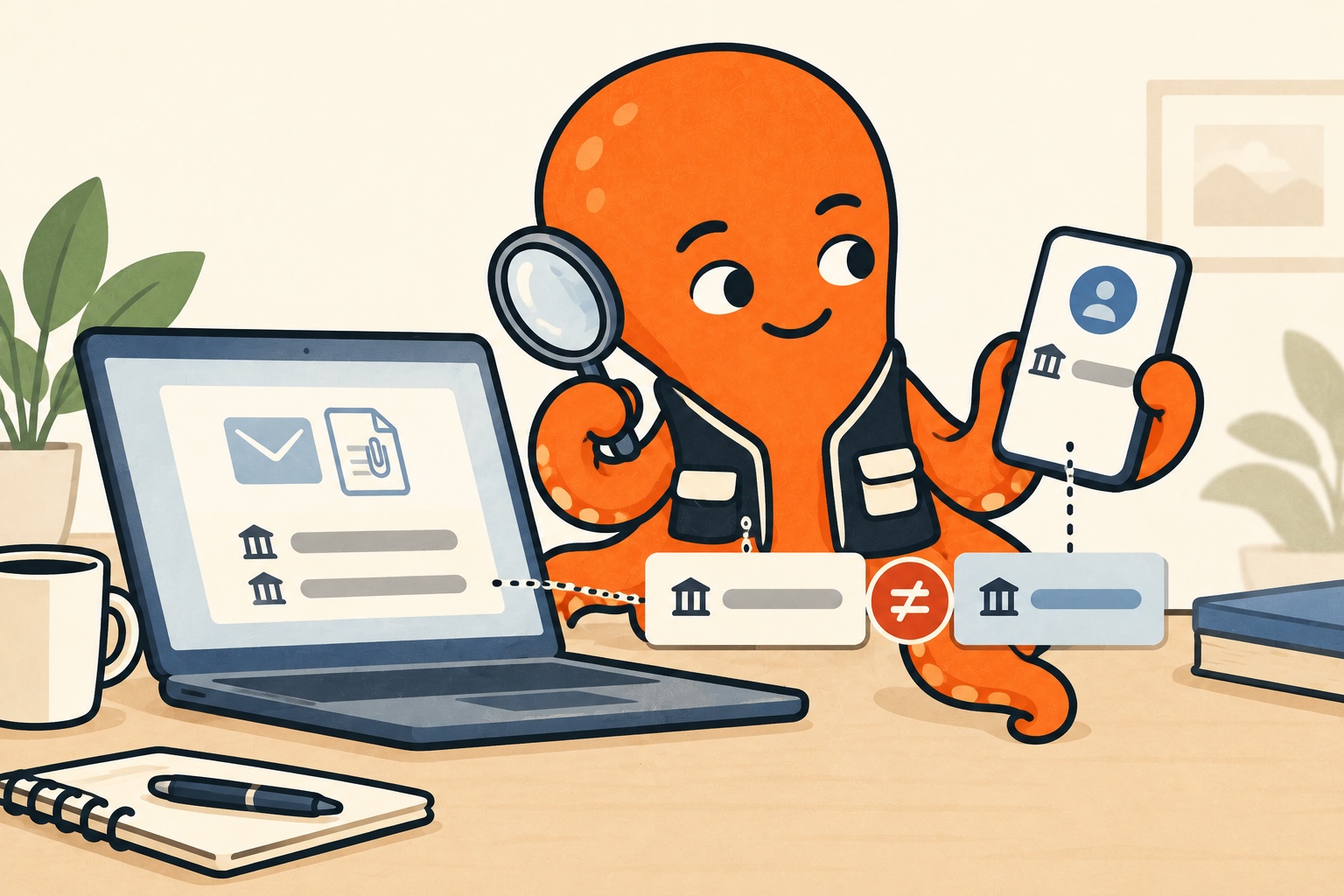
Watch for account changes or unexpected requests
An unusual sender, a request for a new login, pressure for immediate payment or changed payment details are reasons to stop the normal process and verify. A typo alone, or conversely polished Czech, cannot reliably prove authenticity.
For a familiar supplier, check the order and earlier correspondence. Were you expecting this invoice? Does the purchase match? Verify any change to payment or sign-in instructions, even if the rest of the message looks familiar.
Google's anti-phishing guidance recommends caution with suspicious messages and links. If a message requests sensitive information or is unexpected, verify through a known route. Do not ignore your email provider's warning merely because you recognise the supplier's logo.
Source for this section: Google: Protect yourself from phishing emails
Verify the change outside the suspicious email
Find contact details in previously verified correspondence, the contract or the supplier's usual official website. Do not verify new bank details only through the phone number in the same message requesting them. That could merely reconnect you with the same source.
Sign into the customer portal through your usual route, not an unexpected prompt. Check whether the same document or announcement appears there. Follow the supplier's established process for changing details if one exists.
A team can agree briefly who confirms recipient and payment-detail changes. Routine invoice sorting and payment decisions should not be one undifferentiated step. Someone merely receiving documents may have no reason to change payment settings.
A correct invoice can arrive with an incorrect instruction
In the example, the supplier really provided the service and the invoice matches the order. But a new message says to pay elsewhere. Resemblance to earlier invoices does not prove the new instruction genuine. Verify the change separately even when the rest looks credible.
Likewise, an application's “invoice” status usually means document-type recognition, not confirmation that payment is justified. OCR can read a fraudulent PDF without errors. Correctly recognised text and a trustworthy business request are different things.
You need not open a suspicious attachment just to stay organised
Do not let the desire to tick off sorting force you to open a file. Verify a suspicious message safely first. When passing it within a team, explain the reason for suspicion and follow established support or security procedures.
Do not circulate a suspicious attachment to colleagues asking whether anyone recognizes it. Give the relevant information to the person responsible for checking it, following your company’s process. This reduces the chance of someone else opening it accidentally.
If you already responded, address the specific impact
If you entered login details on a suspicious page, secure the affected account through its official settings and contact responsible support. If you sent money to a suspicious account, contact your bank as soon as possible and explain. Do not rely on the sender's later promise to fix everything.
Preserve the relevant message and details of your action for follow-up. Do not assume deleting the email removes any impact. The aim is to establish what actually happened and use the appropriate official process.