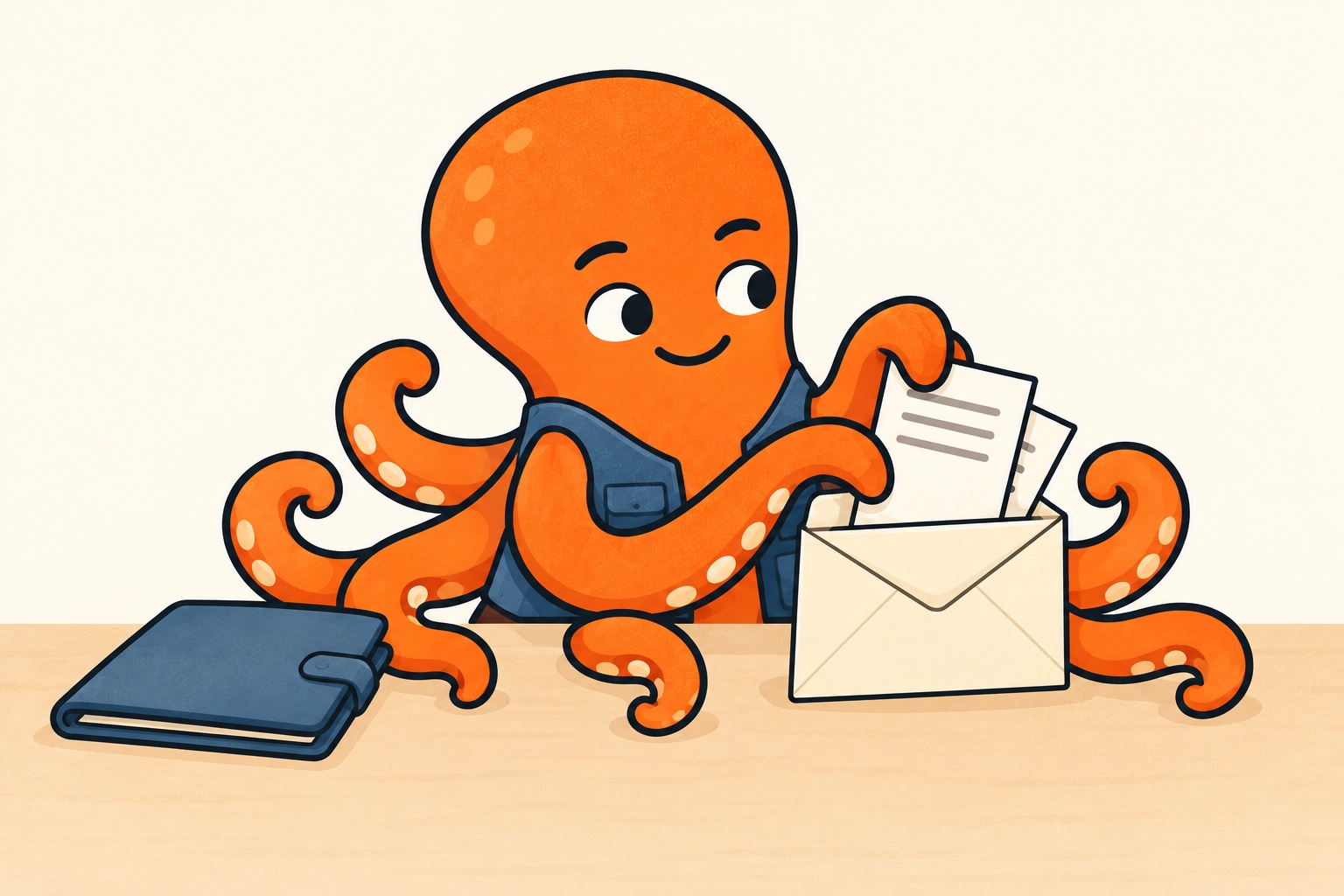
Attachments and shared folders suit slightly different situations
An attachment works well for handing over a finished set of documents. Your accountant gets the files alongside your message and can refer back to them. Once sent, their copy is outside your control: changing or deleting your original does not change the attachment.
A shared folder can make ongoing additions easier. The recipient returns to the same place and you manage access. However, you need to agree how they will recognise new documents and whether files already handed over may change. Silently replacing a corrected invoice can leave each person working with a different version.
There is no single best route for every working relationship. Choose the method your accountant actually uses, and set a simple rule for ordinary handovers, additions and corrections. A clear email process is better than a complicated folder nobody checks.
A link does not tell you who has access
Open the sharing settings for the specific PDF in Google Drive. Enter the email address your accountant uses to sign in and choose viewing access if they do not need to edit the file. Keep general access restricted to authorised people and check the full list of people who already have access. Confirm the share and, for the first handover, ask the accountant to open the PDF using that account. If they have broader access through the parent folder, changing one file’s permission does not reduce it; review the parent folder’s sharing first.
General access for anyone with the link is different from sharing with a specific account. Forwarding the link or placing it elsewhere can expose it to more people. For ordinary sharing of private documents, start with narrower access and expand only where genuinely needed.
The first time you use the method, check after sending that your accountant can open the file with the account they use. Your own signed-in session may make everything seem available while the other person sees an access request.
Source for this section: Google: Share files from Google Drive
Check what sits alongside it too
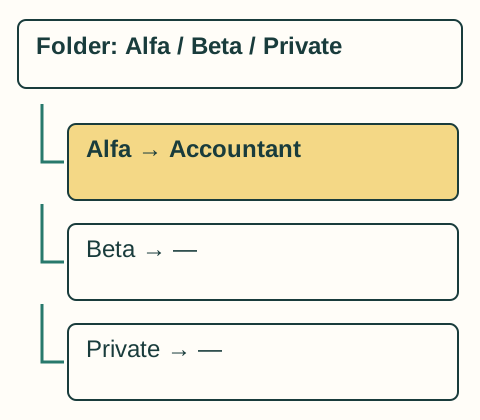
In the example folder “Business”, you have company Alfa, company Beta and personal purchases. Alfa's accountant needs only Alfa's records. Sharing the parent folder may expand access to content you intended to keep separate. Check actual permissions and their relationship to parent folders, not just the text of the pasted link.
A similar mistake occurs when selecting attachments. Check the actual message contents before sending, especially when files come from a shared Downloads folder. A correct subject line alone will not prevent a personal document being left among the PDFs.
If your accountant needs context for a purchase, add a short note to the document. They usually do not need the entire private email thread or access to your inbox.
A small check on the actual package
Before sending, review the package from your accountant’s perspective. Is the business and period clear? Do all files open? Can they tell whether this is a new submission or an addition? Finally, check that no personal documents slipped in.
Worked correction: you accidentally included a personal receipt in Alfa’s documents. Do not resend the whole batch. Write: “The file [name] in today’s Alfa handover was included by mistake and is personal. Please do not use it; delete your copy and confirm when you have done so. The other Alfa documents are unchanged.” For a shared file, also check and correct access. Removing access does not erase a copy already downloaded, and asking for deletion is not evidence that deletion has happened.
Close access when changing accountants
At the end of the relationship, agree on handing over required records, availability of existing copies and next steps. Then update sharing, recipient lists and automatic handovers. Changing your accountant in your phone does not automatically fix saved recipients in applications.
Removing access prevents further access to the shared folder. It does not delete copies your accountant has already downloaded. That is another reason to agree on document retention and handover when the relationship ends.