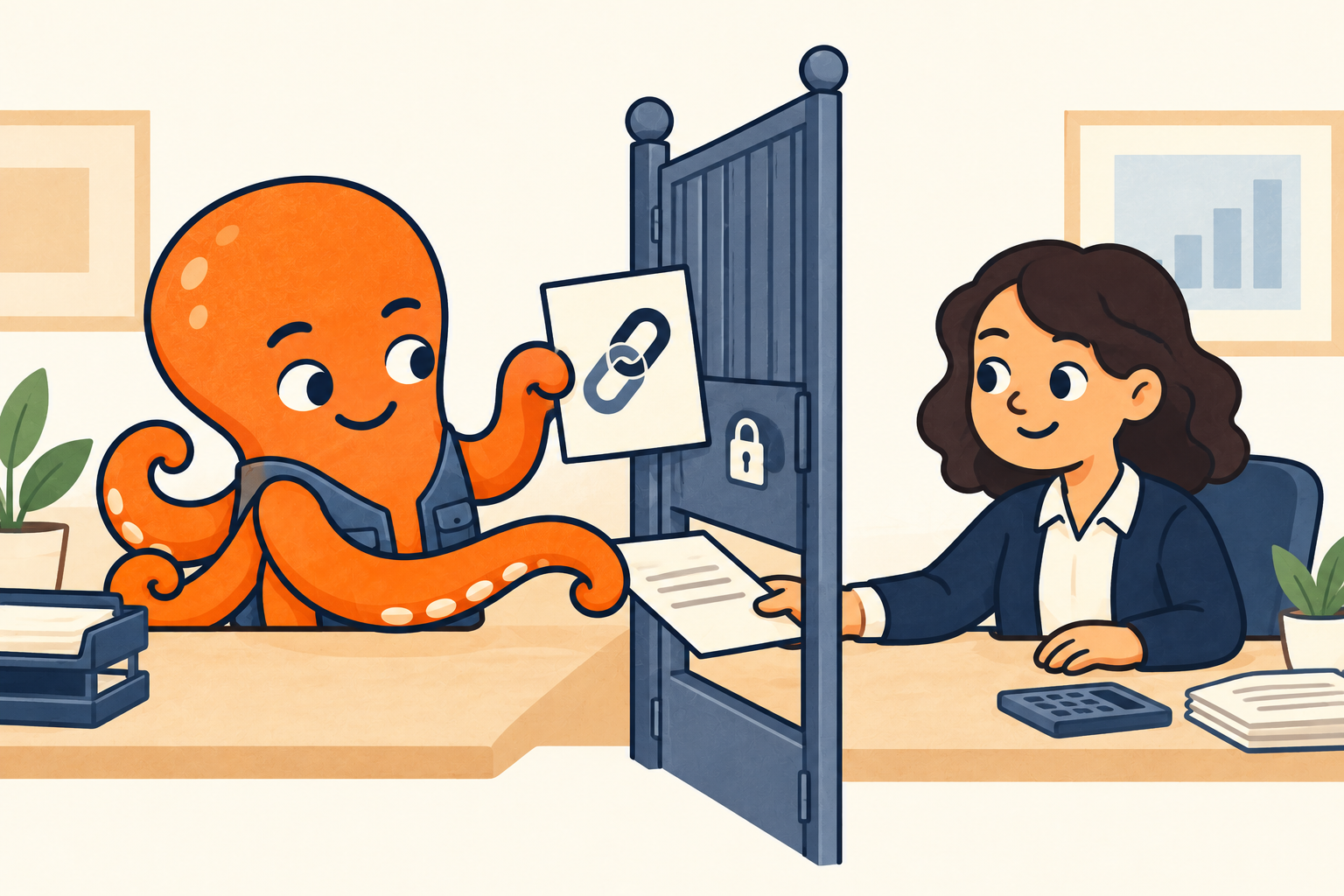
What is actually in the sent email?
Find the message you sent to your accountant by their address and the subject. Inspect the attachments on that message itself and count the attached files. Check the name and contents of the document you need. A button or preview showing an invoice name does not necessarily mean you attached a PDF.
When opening it, notice whether you are viewing an attached file or following a link to the supplier’s website or shared storage. For a link, you also need to check your accountant’s access to the document.
Compare the sent email with the supplier’s original message. An attachment on another message in the conversation does not establish that it also reached your accountant. Choose the next check according to the contents of the sent message:
| What the sent message contains | What to check next |
|---|---|
| A separate document attachment | Whether your accountant received and is opening the same file. If so, ask for the exact wording of the problem when opening it. |
| A document link or button | Where the link leads and whether your accountant has access to the document. |
| Quoted text without the required file | Find the original message containing the document and prepare a new handoff of the required file. |
Find out what your accountant sees when opening it
Checking the sent message tells you what you sent. Then ask your accountant where opening the document fails. “There is no attachment”, “the website asks me to sign in” and “the downloaded PDF will not open” lead to three different solutions. If the link requires sign-in, also check the account address they use to open it.
You can send this sample question:
For a link, resolve access; for an attachment, check the file
Access to a Google Drive file can be restricted to specific people. Forwarding the link does not itself give your accountant access. The owner can also restrict downloading a file that can be viewed. The Google help page listed in the sources explains the difference between viewing and downloading.
Ask the owner or someone authorized to manage sharing to grant access to your accountant’s address. If they need a PDF copy, say so explicitly. There is no need to make financial documents available to anyone with the link for a single invoice. The related article on Google Drive access gives the detailed procedure.
For a supplier portal link, check how the document can be handed to your accountant. If you are allowed to download and share it, attach the downloaded file to a new message. If downloading is unavailable or you are unsure which method is permitted, ask the supplier for a separate document or another approved procedure. Do not send your accountant your login details.
If your accountant received the attachment but cannot open it, first compare its name with the document you sent. Then, depending on the error, ask the sender for a readable copy or instructions for opening it. Forwarding the link again will not fix a file problem. If the file is protected, do not bypass that protection.
Source for this section: Google: Share files from Google Drive
When the document is in another message in the conversation
Hypothetical situation: the supplier sent the invoice as a PDF, you replied later, and you forwarded only that reply to your accountant. The sent email contains the quoted discussion but no attachment. In this case, correct the choice of message rather than the link’s sharing settings.
Return to the message with the actual attachment and prepare to forward it. Alternatively, attach a file you are allowed to share to a new email. Before sending, open the attached document and check its contents. Keep the necessary explanation and omit unrelated order history.
If you cannot reliably find or inspect the attachment in the conversation, ask the supplier for a new email with a separate document. You can then send your accountant a specific file instead of the same incomplete conversation.
Verify the handoff with the recipient
In the new message, state what changed: “I have attached PDF [name]” or “The owner has updated access for [address]”. Your accountant then knows whether to open the new attachment or the original link. Ask them to confirm that they can open and read the specific document. If they needed a downloaded copy, also check that they obtained it.
Sent status confirms that the message was sent; completing the handoff requires knowing that your accountant can use the document in the agreed way. If the problem continues, follow their new response: is the attachment still missing, is link access lacking, or is the file unreadable?