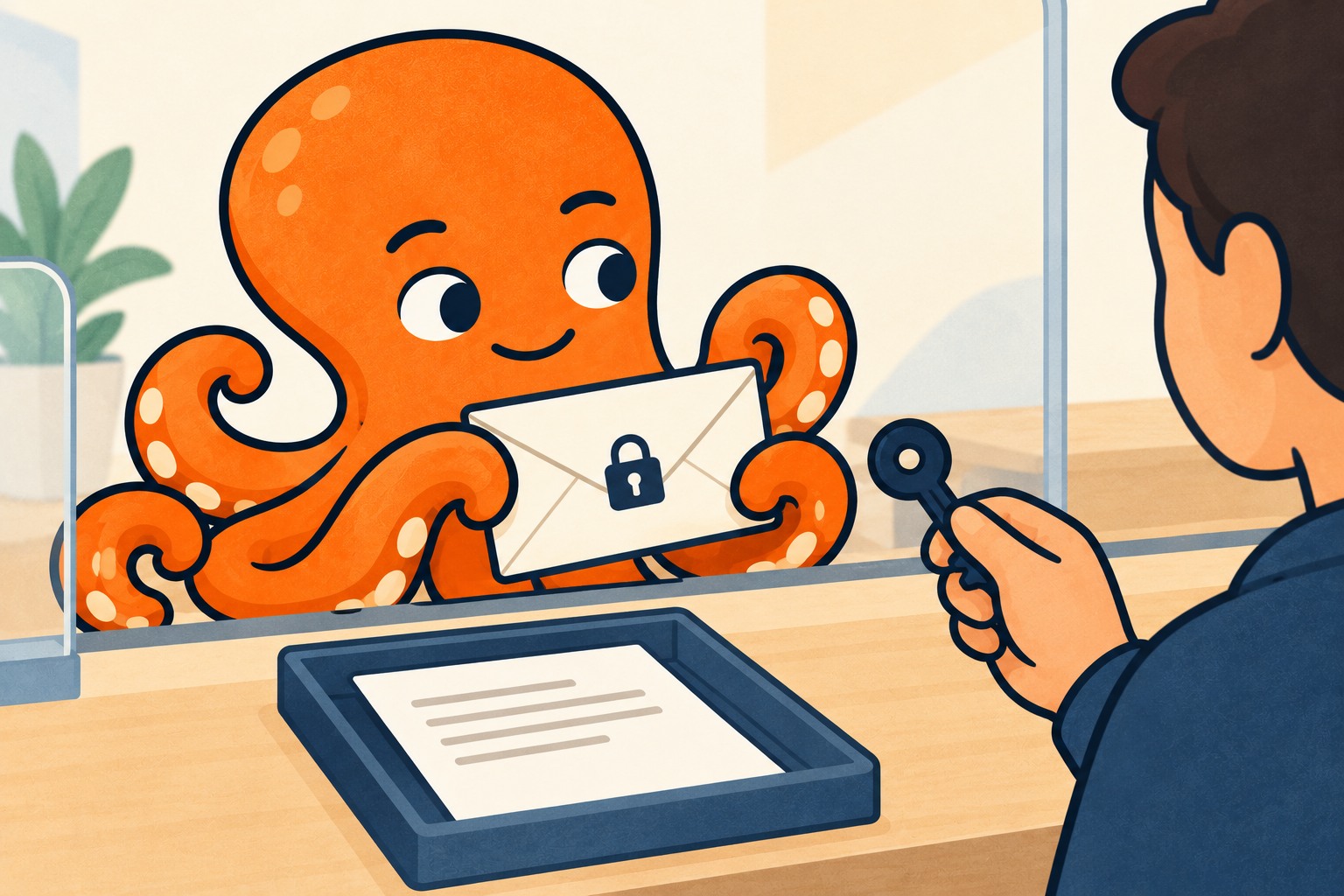
Find out what prevents opening
You opened an invoice in your mailbox, forwarded it to your accountant and expected the task to be complete. But your accountant sees a sign-in prompt, access denied or an attachment that will not open. Your ability to view the document does not mean another recipient has the same permission.
With a protected message, first establish exactly what prevents handover. This determines whether you need to correct the account used, file access or ask the sender for new delivery.
Messages, files and links can have different protection
Outlook supports several encryption methods, including S/MIME and Microsoft Purview. Alongside encryption, Purview can restrict further use of the message. Microsoft documents these options separately, so do not treat them as one type of lock.
The practical distinction is this: a password requested when opening a PDF differs from signing in to a protected message. A cloud-folder link may fail because of that folder’s permissions. Your accountant can help most by providing the exact error and saying whether it appears on the message, attachment or link.
Downloading an attachment may not remove protection. Microsoft says restrictions on supported protected files can remain after downloading; PDF protection depends on organization settings. Attaching the file to a new email therefore does not itself guarantee your accountant access. See the Microsoft Purview Message Encryption questions and answers.
Microsoft Purview Message Encryption questions and answers →
Check the correct recipient first
If the message offers sign-in, your accountant should follow instructions for the account it was intended for. If the original message was intended only for you, do not share your credentials. Resolve permissions for the accountant’s own account instead.
Have the document identifier and sender’s contact details ready. Ask the sender to deliver it to the accountant at the agreed address in a way that meets the required protection. Explain why the accountant needs it and what error appears. The sender can then verify the authorized recipient and choose a suitable delivery method.
If the cause remains unclear after this check, send the problem and error message to the mail administrator. Diagnosing it usually does not require a complete unprotected copy of the accounting documents.
What to write to keep the solution moving
In a fictional example, a managing director receives a protected invoice for company training. They can open it, but the accountant cannot after forwarding. A usable request to the supplier could read:
“I can open the training invoice identified by the number in the subject, but our accountant cannot access it after forwarding. Please check her permissions and send the document directly to the agreed accounting address, retaining the necessary protection.”
Keep the original message until handover is complete. Consider the issue resolved only when the accountant confirms that they actually opened the correct document and can use it to the extent needed. Sending another email does not replace this check.